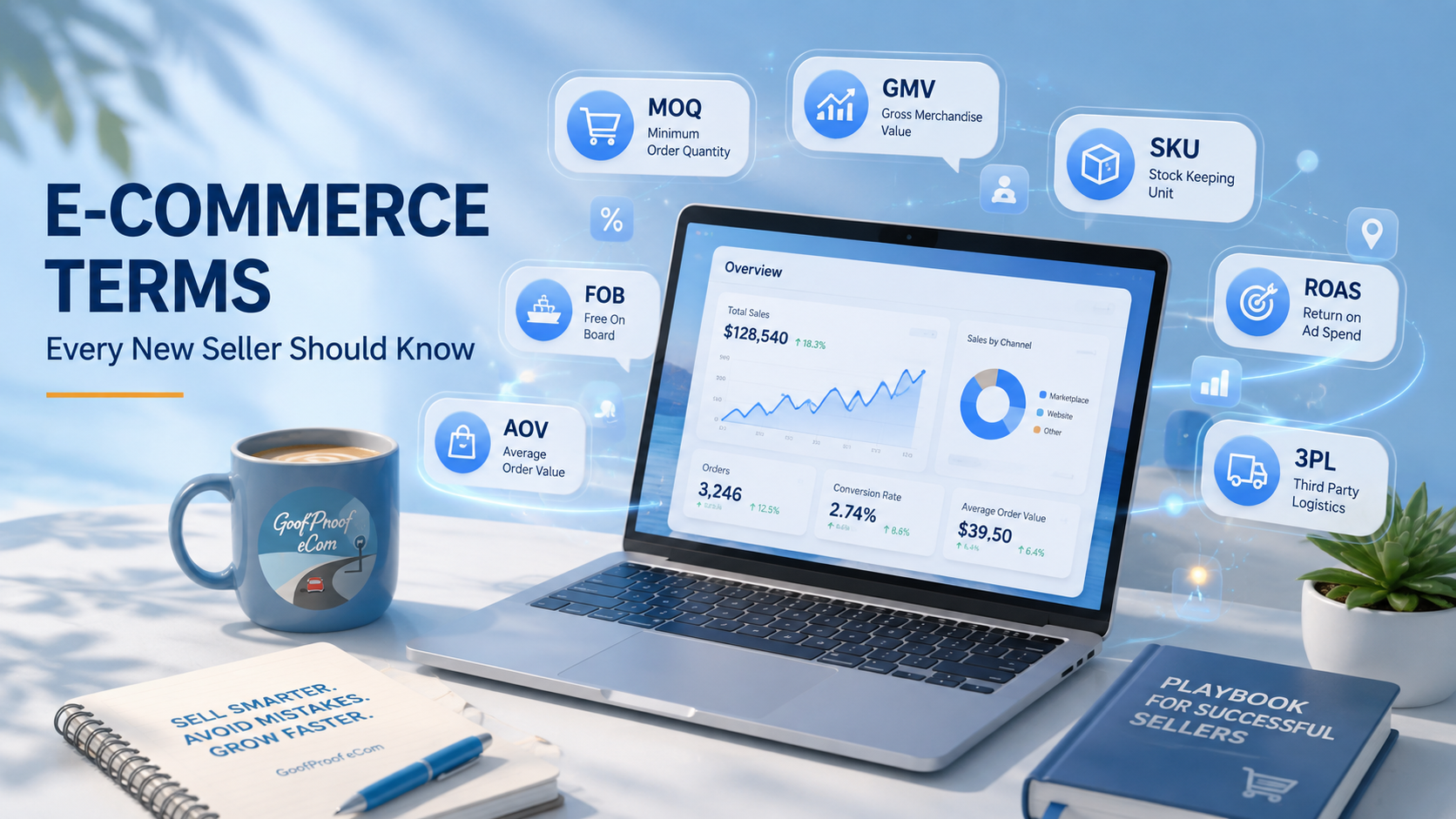
Walk into any ecommerce forum or seller Discord and you'll hit a wall of acronyms in the first five minutes. SKU. COGS. MOQ. ROAS. It sounds like alphabet soup, but every one of these terms controls something that affects whether you make money or lose it.
You don't need to memorize a textbook. You need to know what these words mean the moment you run into them, so you're not googling mid-decision. Here's the essential list, grouped by where you'll actually run into each term.
Getting set up
SKU (Stock Keeping Unit). A unique code you assign to each product variant. A t-shirt in three colors and two sizes isn't one SKU, it's six. Every platform uses SKUs to track inventory separately, so get in the habit of assigning them early.
Listing. The product page a shopper sees: title, photos, price, description. One listing can have multiple variants (size, color) under it, or you might create separate listings depending on the platform's rules. Think of it as your product's storefront: everything a shopper needs to decide whether to buy lives on this one page.
Main image (hero image). The first photo shoppers see in search results and at the top of your listing, before they click into anything else. This image alone decides whether someone stops scrolling or keeps going. Most platforms have strict rules for it (plain background, no overlay text, product fills the frame), so check the guidelines before you upload.
Gallery images (carousel images). The additional photos a shopper swipes or clicks through after the main image: different angles, close-ups, in-use shots, size charts, packaging. This is where you answer the questions a shopper would ask if they were holding the product in a store.
Variant. A version of the same base product, like size or color. Variants share a listing but usually need their own SKU and inventory count.
SKU variation. When a single product has multiple SKUs because of its variants. A shirt in 3 colors and 2 sizes isn't 1 SKU, it's 6, and each one tracks its own inventory even though they all live under the same listing.
Private label. Buying a generic product from a manufacturer and selling it under your own brand name. Different from creating a product from scratch, and different from reselling someone else's branded goods.
MOQ (Minimum Order Quantity). The smallest quantity a supplier will let you order. If a supplier's MOQ is 500 units, you can't order 50, even as a test.
Money and fees
GMV (Gross Merchandise Value). The total dollar value of everything sold through your store before any costs come out: no COGS subtracted, no fees subtracted, no returns subtracted. It's a volume number, not a profit number. A seller can have huge GMV and still not be making real money. Don't confuse the two.
AOV (Average Order Value). The average dollar amount spent per order. Calculated as total revenue divided by number of orders. Raising AOV (through bundles, upsells, or minimum order incentives) is often cheaper than finding new customers.
COGS (Cost of Goods Sold). What you actually paid to acquire or produce the product, not including platform fees, shipping, or marketing. This is the number you subtract from revenue before you can call anything "profit."
Gross margin. Your revenue minus COGS, shown as a percentage. Sell something for $20 that cost you $8 to make, and your gross margin is 60%. This is before platform fees, ads, and overhead come out.
Gross profit. Same calculation as gross margin, but as a dollar amount instead of a percentage.
CAC (Customer Acquisition Cost). How much you spend, on average, to get one new customer to buy. If you spend $500 on ads and get 25 new customers, your CAC is $20. This only means something when you compare it to what that customer is actually worth.
LTV (Lifetime Value). The total revenue you can expect from one customer over the entire time they keep buying from you, not just their first order. A healthy business usually needs LTV to be meaningfully higher than CAC, or you're spending more to win a customer than they're worth.
Break-even point. The number of units you need to sell before you've covered your costs and start actually making money.
Chargeback. When a customer disputes a charge through their bank or card issuer instead of requesting a refund through you directly. Chargebacks usually come with an extra fee on top of the lost sale, and too many can get your seller account flagged.
Payment processor. The service that actually moves money from a customer's card into your account. Sometimes it's built into the platform, sometimes it's a separate step you have to set up.
Getting found
Impressions. The number of times your listing showed up on someone's screen, whether they clicked it or not. This is the top of the funnel: the widest, least committed number you'll track.
CTR (Click-Through Rate). The percentage of people who saw your listing (an impression) and actually clicked into it. Low CTR with high impressions usually points to a weak main image or title, not a traffic problem.
Organic traffic. Visitors who find your listing through search or browsing, without you paying for the placement. The opposite of paid traffic.
Paid traffic. Visitors who arrive because you paid for an ad, whether that's a platform ad, a social media ad, or a creator promoting your product.
Conversion rate. The percentage of people who see your listing and actually buy. If 100 people view your product and 3 buy it, that's a 3% conversion rate. Small changes to photos, pricing, or descriptions can move this number more than you'd expect.
Cart abandonment. When a shopper adds something to their cart but leaves without completing the purchase. It happens more than you'd think, and it's usually a sign of friction somewhere in checkout, not necessarily a lost cause; some platforms let you re-target these shoppers.
ROAS (Return on Ad Spend). How much revenue you generate for every dollar spent on advertising. A ROAS of 3 means every $1 in ad spend brought back $3 in sales. This number needs to clear your margin, not just be "positive."
Buy box. On platforms with multiple sellers offering the same product, the buy box is the default "Add to Cart" seller shown to shoppers. Winning it (based on price, fulfillment speed, and seller rating) can make or break your sales on that listing.
Inventory and fulfillment
Fulfillment. Everything that happens after a customer clicks "buy": picking the item, packing it, shipping it, and getting it to their door.
1PL (First-Party Logistics). You handle everything yourself: you store the inventory, you pack it, you ship it. Full control, but it's also all on you, including the time and space it takes.
3PL (Third-Party Logistics). You hand off storage and shipping to an outside company. You send your inventory to their warehouse, and when a sale comes in, they pick, pack, and ship it for you. This is what lets a seller run a store without a garage full of boxes.
2PL and 4PL. Less commonly used, but worth recognizing. 2PL usually refers to a company handling one specific piece, like just the shipping carrier. 4PL means outsourcing the entire logistics strategy to a company that manages your 3PLs and supply chain for you, more relevant once you're operating at real scale.
Inventory turnover. How quickly you sell through and replace your stock. High turnover usually means healthy demand. Low turnover means cash tied up in products that aren't moving.
Backorder. When a customer orders something you don't currently have in stock, with a promise to fulfill it once inventory arrives.
Dropshipping. A fulfillment model where you never hold inventory yourself. A supplier ships directly to the customer when you make a sale. Lower upfront cost, but usually thinner margins and less control over shipping times.
Why this matters more than it seems
None of these terms are complicated on their own. The problem is when you're setting up your first listing, calculating your first price, or reading your first fee statement, and half the words on the page don't mean anything to you yet. That's when small mistakes happen, like pricing a product without knowing your true COGS, or missing that a "great deal" supplier has an MOQ you can't actually afford.
Knowing the vocabulary doesn't guarantee you'll get everything right. But it means you'll actually understand what you're deciding, instead of guessing and hoping it works out.
Want a step-by-step walkthrough that puts these terms into practice, from registration to your first sale? Check out Temu Quick Start, built to help new sellers get it right from day one.
Follow the complete Temu seller roadmap: Prepare, Register, Setup, List, Sell, Grow. No guesswork, no costly mistakes. Just clear, practical steps to get your store up and running the right way from day one.